1.30 - Similar Documents and Improved Classification
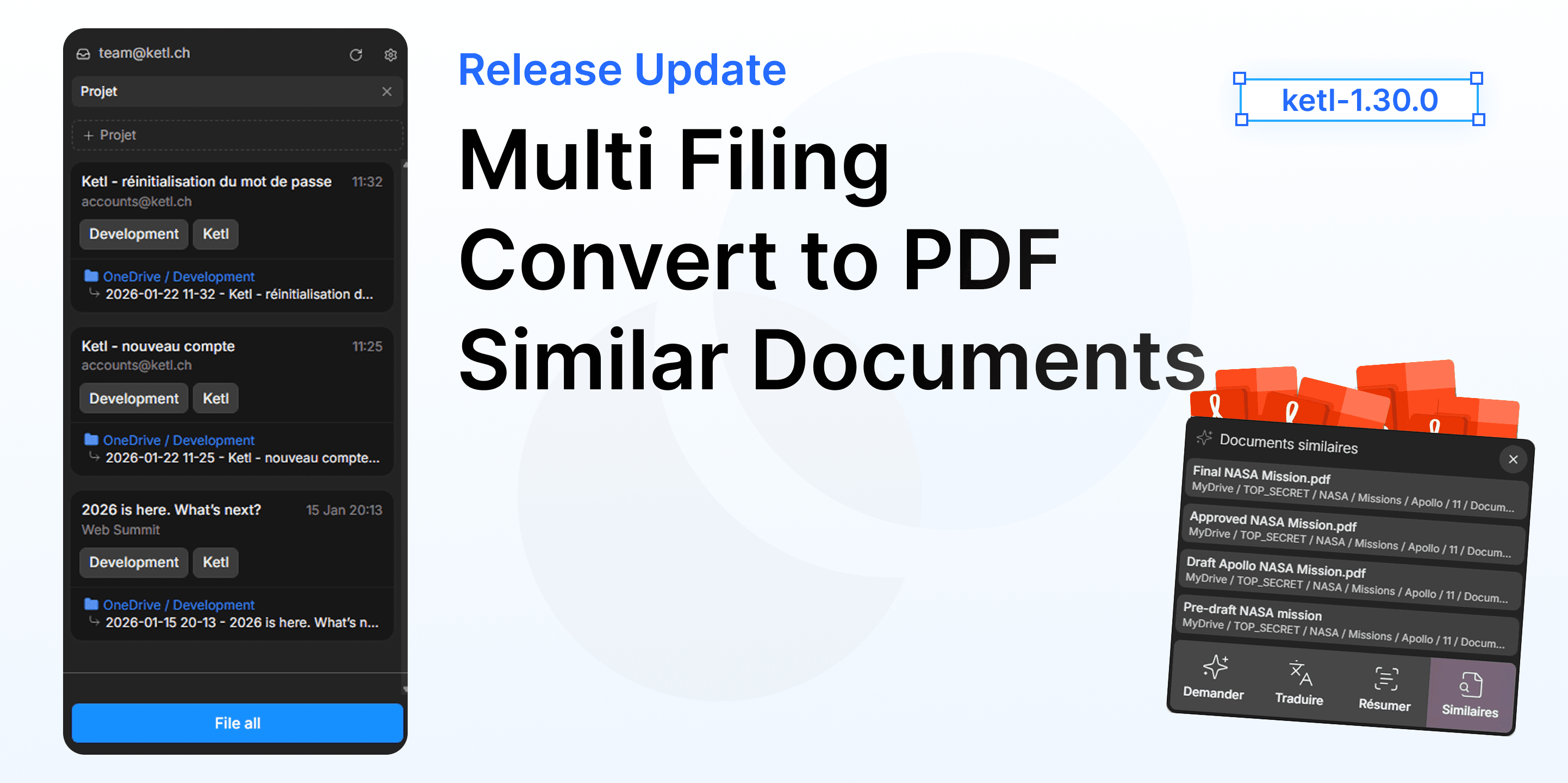
Ketl 1.30 introduces a highly requested feature: Similar Document Search. With one click, find all documents related to the one you’re viewing—whether by content, metadata, or context.
This version also improves email attachment handling, adds new filtering options, and extends the PDF splitting tool to more areas of the application.
Similar Document Search
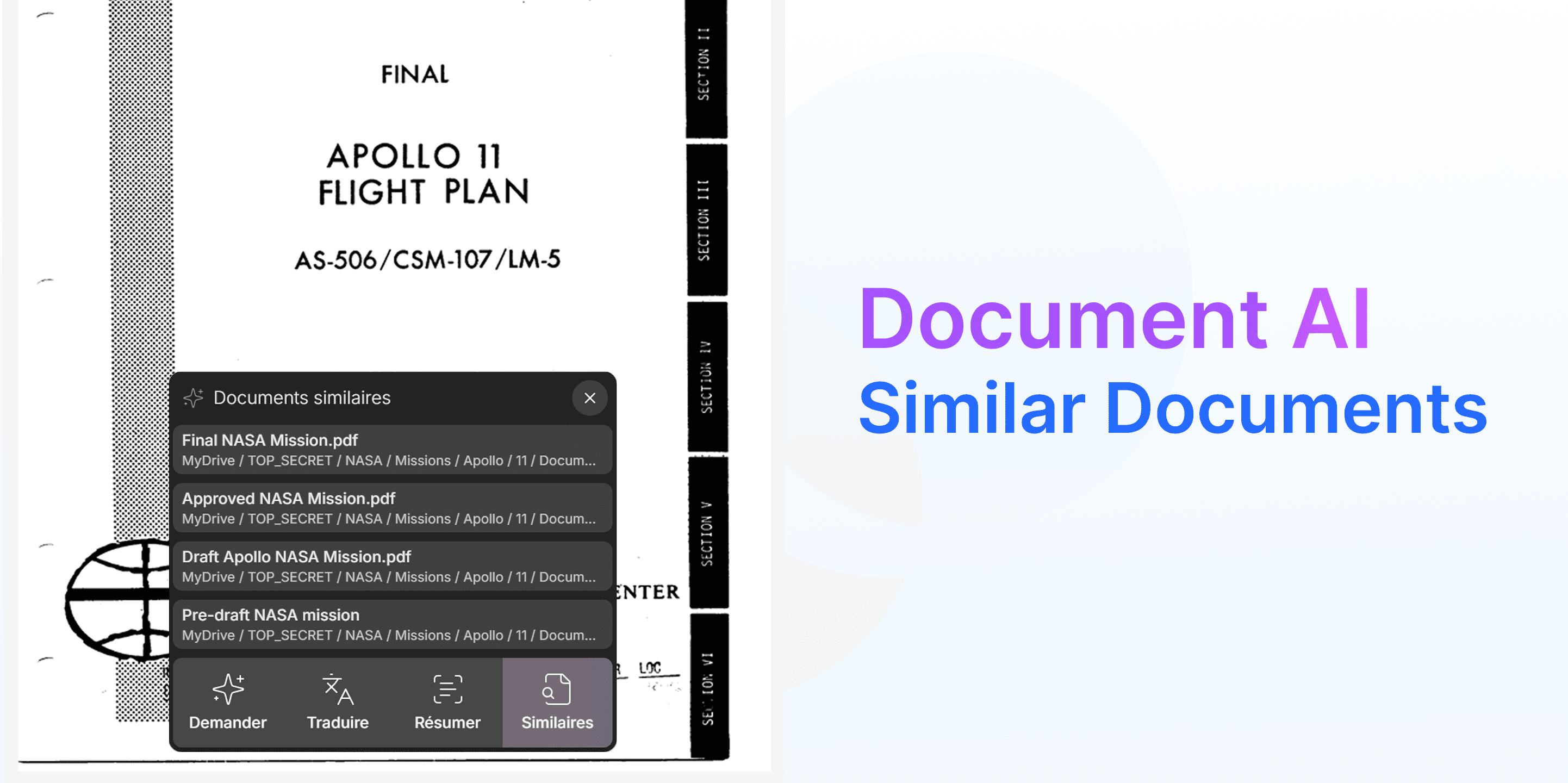
From any document, you can now launch a search for similar documents. Ketl analyzes content and metadata to suggest the most relevant matches.
This feature is especially useful for:
- Finding previous versions of a contract
- Identifying documents linked to the same case file
- Discovering connections you may have missed
A future version will let you compare two similar documents (invoices, contracts, etc.).
Simplified PDF Conversion
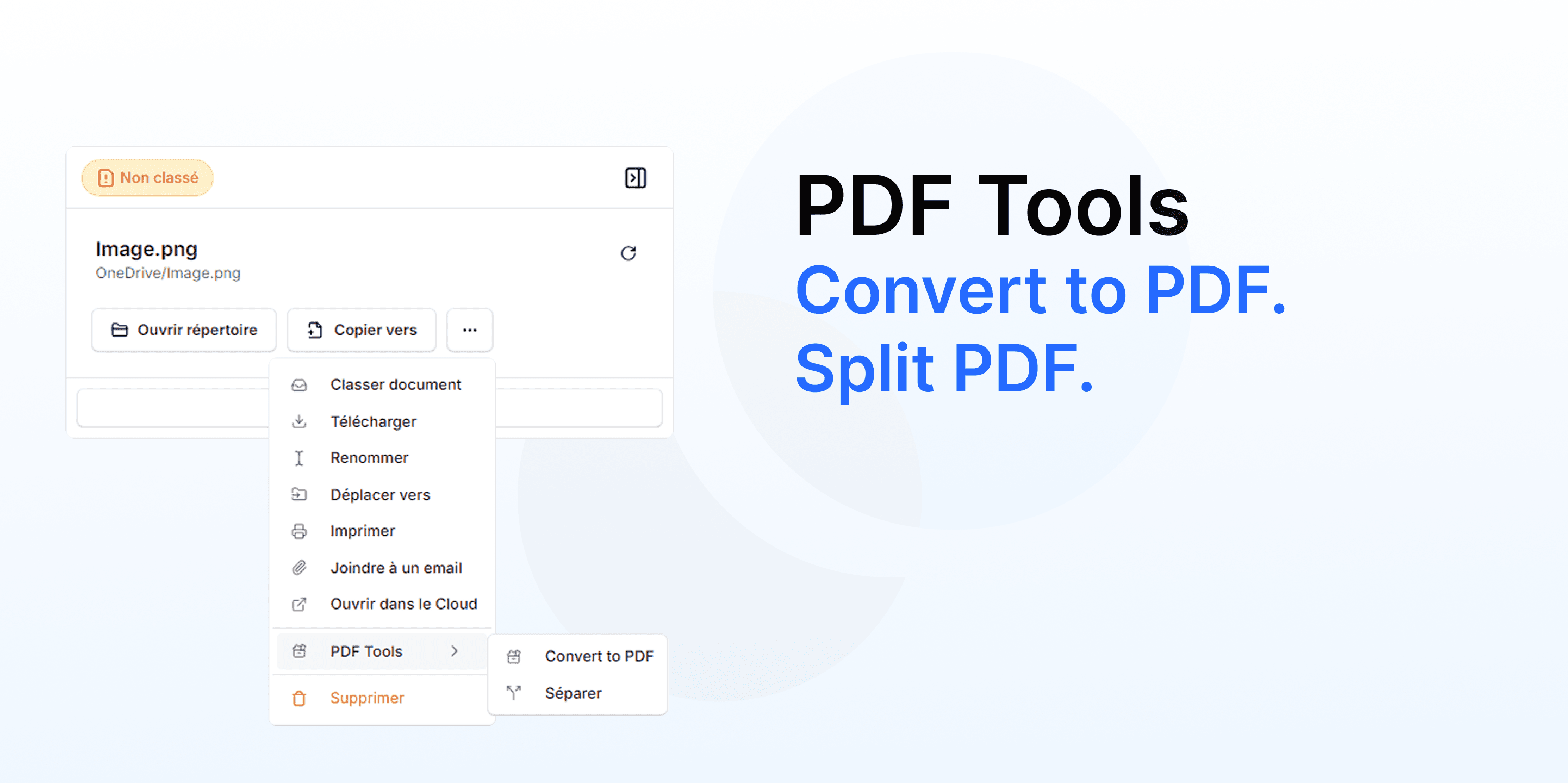
A new button allows you to instantly convert images and Office documents to PDF. No need to use external software or reclassify the document—the conversion happens directly in Ketl, saving you multiple clicks.
Multi-Filing in Outlook Add-in
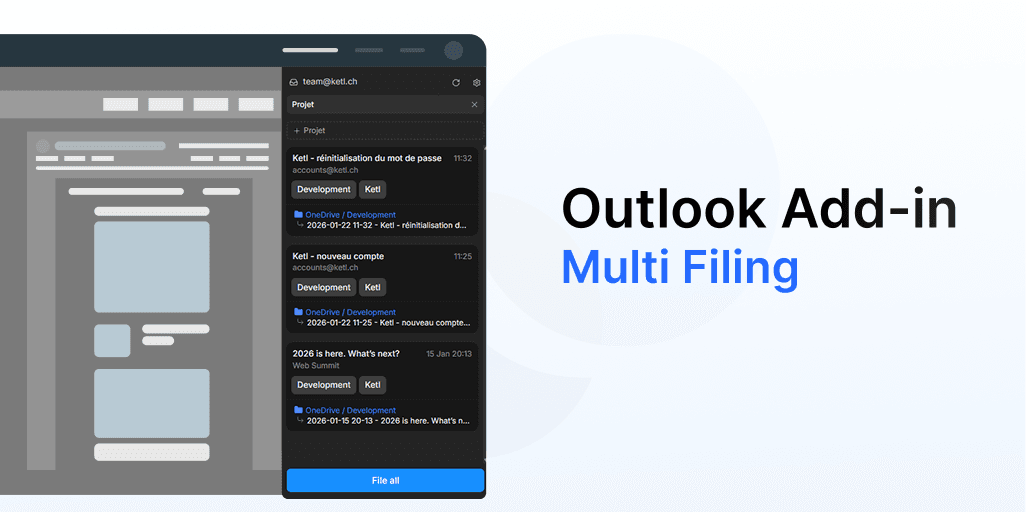
The Outlook add-in now supports multi-filing. You can select multiple emails in Outlook and classify them into different projects with one click.
The PDF splitting button is now available in multiple locations:
- Document view
- Document Search
- Home page panels
- Preview panel
Bug Fixes and Improvements
- Corrigé Draft creation with attachments now works correctly.
- Corrigé Signature files no longer appear in email attachments.
- Corrigé Attachment counters no longer include signatures or inline images.
- Corrigé Date range display no longer shows a one-day offset.
- Corrigé User search when adding tasks to classification is working again.
Thank you for your feedback and for reporting bugs.